No Power to Your AC? 7 Thermostat Checks Before Calling
No power to your AC and thermostat? Try these 7 safe checks before calling for emergency air conditioning service — and learn when it’s time to bring in a pro.
Why Your AC and Thermostat Lose Power Together
We recently got an evening call from a homeowner — we’ll call him Daniel — who sounded stressed. “Our Carrier system just shut off about an hour ago,” he told us, “and all the thermostats are dead. I checked the breakers. It’s not the breaker. The whole system is completely off.”
We hear some version of Daniel’s situation a lot. When the air conditioner and thermostat both have no power, it feels like a total system failure, and it usually happens at the worst possible time. As we talked with Daniel and checked our emergency schedule, we walked him through a quick checklist to rule out the simple stuff before sending a technician out at night.
In this post, we want to share that same step-by-step approach we used with Daniel so you can safely check a few things yourself before you call for emergency air conditioning service. Sometimes you really do need us out right away — but other times, a quick homeowner check can save you an after-hours fee.
Start With Safety First
Whenever we help a customer troubleshoot over the phone, we start with safety. Electricity and moving parts are involved, so we always want you to be cautious.
Before you touch anything:
- Never remove panels from the outdoor condenser or indoor air handler/furnace.
- If you see or smell burning, hear crackling, or see scorch marks, stop and call for service immediately.
- Only open your main electrical panel if you’re comfortable doing so, and always use one hand to flip breakers to reduce shock risk.
1. Confirm the Thermostat Really Has No Power
When Daniel called, the first thing we asked was, “Is the thermostat screen completely blank, or does it show anything at all?” This helps us figure out whether you’ve lost low-voltage power (the control side) or just cooling.
Check the following:
- Is the screen totally blank, or is there a faint display?
- Try pressing a few buttons — does the backlight come on or does it stay dead?
- If it’s a smart thermostat, make sure it’s not just in a “sleep” or power-save mode.
If there’s absolutely nothing on the screen, the thermostat isn’t getting power from either the system transformer or, in some cases, its batteries.
2. Check Thermostat Batteries (If It Uses Them)
Some thermostats are powered entirely by the heating and cooling system, while others rely on batteries or use batteries as a backup. When those batteries die, the thermostat can shut off and make it look like the whole system died.
Here’s what we usually have homeowners do:
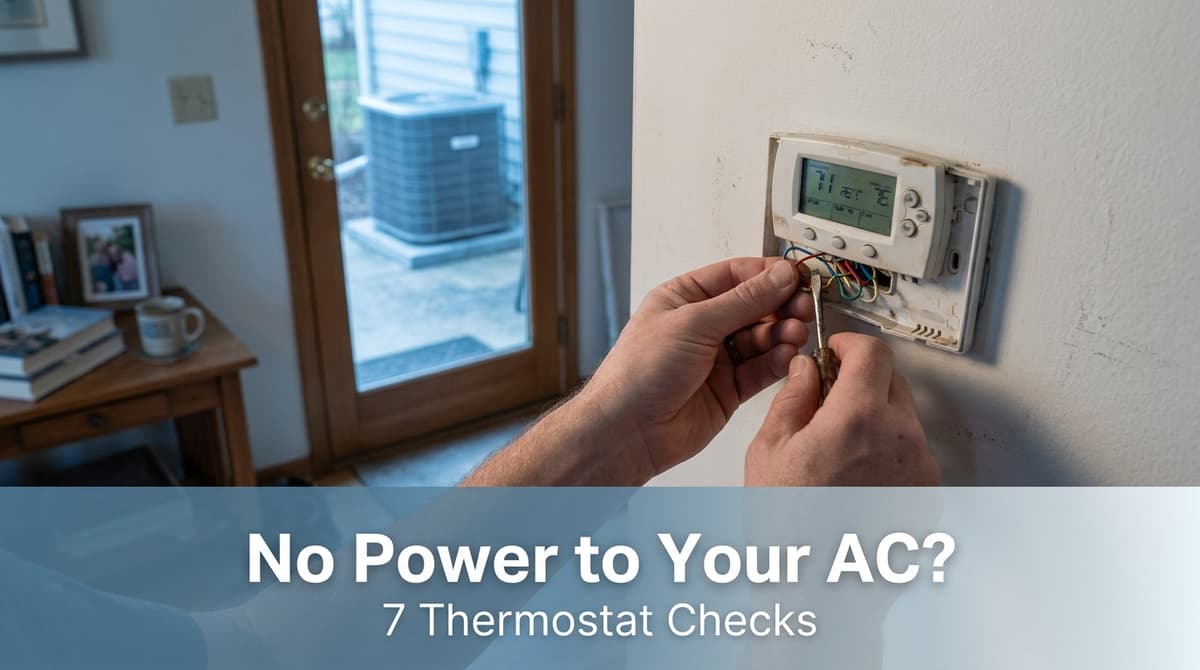
- Carefully remove the thermostat cover or pull the front straight off the wall plate.
- Look for AA or AAA batteries and replace them with fresh ones.
- Reattach the thermostat and wait 1–2 minutes to see if it powers back up.
If new batteries bring the screen back and the system starts responding, you’ve solved the problem without an emergency visit.
3. Recheck the Correct AC and Furnace Breakers
During Daniel’s call, he told us he had “checked the breakers.” We always double-check that we’re talking about the right breakers, because most systems have at least two:
- One breaker for the indoor unit (furnace or air handler)
- One breaker for the outdoor condenser
In your main electrical panel:
- Look for breakers labeled “furnace,” “air handler,” “AC,” or “condensing unit.”
- Flip each suspect breaker all the way OFF, then firmly back to ON. A tripped breaker often sits between positions.
If a breaker immediately trips again, don’t keep resetting it. That usually indicates a short or failed component, and that’s when you want us to come out.
4. Look for a Furnace or Air Handler Power Switch
Your indoor unit typically has a local shutoff switch nearby. It often looks just like a regular light switch mounted on the side of the furnace or on a nearby wall or ceiling.
We’ve gone out on more than one “no power” emergency call only to find that this switch was accidentally turned off while someone was storing boxes or doing work in the closet or attic.
- Find the furnace or air handler.
- Look for a switch within a few feet of the unit.
- Make sure it’s in the ON position.
5. Check the Outdoor AC Disconnect (Visually Only)
Outside, near the condenser, there should be a small gray box — this is the disconnect. It allows power to be shut off locally for service. Homeowners sometimes turn this off for yard work and forget to turn it back on.
You can safely do a visual check:
- Verify the handle or switch on the box is in the ON/RUN position if it’s clearly marked.
- Do not remove any fuses or covers; just look at the exterior position.
If you’re unsure about the labeling, leave it alone and let us inspect it during a service visit.
6. Make Sure There Isn’t a GFCI or Switch Tripped Nearby
In some homes, parts of the low-voltage or control wiring share circuits with outlets or lighting. A tripped GFCI (those outlets with the “TEST/RESET” buttons) can sometimes kill power to a portion of the HVAC controls.
Walk through nearby areas and check:
- Garage, laundry room, and outdoor outlets for a tripped GFCI. Press RESET firmly.
- Any wall switches near the equipment that might control an outlet or subpanel.
If resetting a GFCI restores power to your thermostat, you’ve likely found the culprit — but mention it to us at your next maintenance visit so we can evaluate the circuit layout.
7. Check for Obvious Signs of Damage — Then Stop
Once we’ve walked a caller like Daniel through the simple checks and nothing has worked, we ask about obvious visual clues:
- Any water around the indoor unit or by the thermostat?
- Burnt smells near the furnace, air handler, or breaker panel?
- Loose or hanging wires you can see without opening anything?
If you see any of these, that’s a clear sign to stop troubleshooting and schedule service. At that point, something inside the system — not a user-accessible switch — is likely at fault.
What We Often Find When We Come Out
When we do send a technician after all the basic checks, there are a few common issues we find that can kill power to both the AC and thermostat:
- Failed low-voltage transformer: This small component steps household voltage down to power the thermostat and controls. When it burns out, the thermostat goes blank.
- Shorted low-voltage wiring: Rodents, nails from home projects, or rubbing wires can cause a short that blows the transformer or a fuse on the control board.
- Blown control-board fuse or damaged board: Modern furnaces and air handlers use circuit boards that can be damaged by shorts or surges.
These repairs are not DIY-friendly. They involve live electrical components, specialized testing tools, and, in some cases, manufacturer-specific parts and settings. When we’re on site, we use meters to trace where the power stops, protect the new parts we install, and make sure the system is operating safely before we leave.
How to Prevent Future Power Loss Issues
While not every outage can be prevented, there are a few things we recommend to our customers to reduce the odds of an evening emergency like Daniel’s:
- Schedule annual maintenance: During a tune-up, we check electrical connections, measure voltage, and inspect wiring and transformers for early signs of failure.
- Keep panels and switches clearly labeled: Label your breaker panel, furnace switch, and any GFCIs that affect the system. That makes future troubleshooting faster and less stressful.
- Maintain clear space around equipment: Keep storage boxes, yard tools, and vegetation away from switches, disconnects, and the units themselves so nothing gets bumped or damaged.
When It’s Time to Call for Emergency AC Service
If you’ve walked through these seven checks and your thermostat is still dead or your AC won’t come on, it’s time for us to take over. When you call, let us know exactly what you checked — breakers, thermostat batteries, switches, and any smells or sounds you noticed. That information helps us prioritize your call and arrive better prepared.
Just like with Daniel, we’ll do our best to fit you into our schedule as quickly as possible, especially on a hot night when the whole house is miserable. And even if you’re not sure whether it’s an emergency, you can always reach out — we’re happy to talk you through a few safe steps and let you know whether it’s something simple you can handle or a situation where you really do need a technician on site.