Can I Install a Nest If I Only See a Few Wires?
Thinking about installing a Nest but only see a few wires? Learn how C wires work, what to do with older systems, and when it’s time to call an HVAC pro.
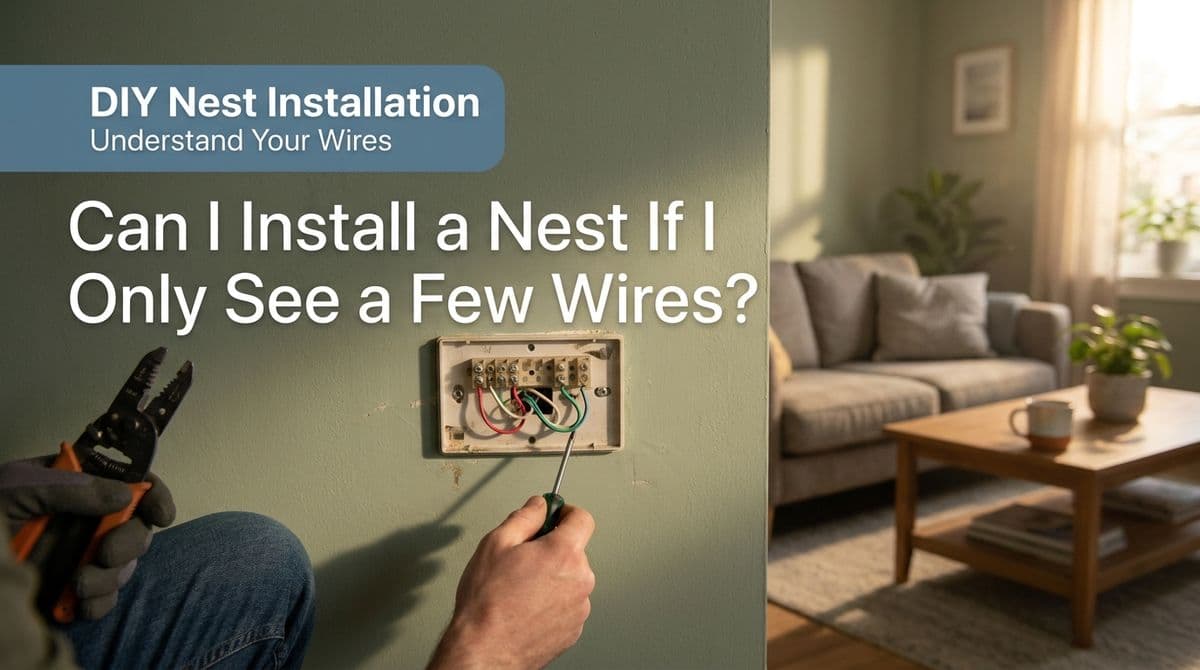
“I Only See a Few Wires — Can I Still Install a Nest?”
We recently got a call from a homeowner — let’s call him Mark — who had just bought a Nest thermostat. He’d taken off his old round thermostat (with a little help from painters) and suddenly realized… nobody took a picture of the wiring before it came off the wall.
When he looked behind the old thermostat, he saw six wires in the wall but only a few were actually connected. He wanted to know:
Can I still install my Nest with just a few wires hooked up?
What’s this “C wire” everyone talks about — do I need one?
Is it safe to just experiment with the wires and see what works?
If you’re staring at a small bundle of wires and a shiny new smart thermostat, you might be wondering the same things. Let’s walk through how we answered Mark’s questions, and what we look for when we come out to install a Nest or other smart thermostat.
Understanding Thermostat Wires (Especially the C Wire)
When we were talking with Mark, the first thing we asked was whether he had a common wire, usually labeled C. That’s because almost all smart thermostats — Nest, Ecobee, Honeywell, and others — either require or strongly prefer a C wire.
Here’s a quick breakdown of the most common thermostat wires in a typical gas furnace and AC system:
R (or Rh/Rc) – Power from the furnace/air handler (24V).
W – Heating call (tells the furnace to turn on).
Y – Cooling call (tells the AC to turn on).
G – Indoor fan/blower control.
C – Common wire (the return path that actually powers many smart thermostats).
Many older round thermostats only used two or three of these wires, because the thermostat was just a simple switch. Smart thermostats, on the other hand, are basically little computers with screens and Wi‑Fi, and they need a steady power supply — that’s where the C wire comes in.
“I Have Six Wires in the Wall… But Only Three Connected”
Mark told us he saw six wires coming out of the wall, but only about three were actually on the old thermostat’s terminals. That’s actually pretty common.
In many homes, the original installer ran a multi‑conductor cable (like 5–8 wires), but only used what they needed at the time. When we come out to install a Nest or other smart thermostat, one of the first things we do is:
Check which wires are connected at the thermostat, and
Check which wires are connected at the furnace or air handler.
Sometimes a spare wire is already connected to C at the furnace but just never got hooked up at the thermostat. Other times, the extra wires are just coiled up and not used at either end.
So if you see several loose wires in the wall, that doesn’t automatically mean you can’t use a smart thermostat — but you will need to trace and correctly connect them.
Older Systems and Missing C Wires
One of the key questions we asked Mark was what kind of system he had — gas, electric, heat pump, and where the furnace was located. He had a gas furnace in a closet, fairly close to the thermostat. That’s good news, because it often makes adding or repurposing a C wire easier.
On older systems, you’ll often see setups like:
Heat only (no AC): often just R and W.
Heat and AC: usually R, W, Y, and possibly G.
No obvious C wire at the thermostat, even if one exists at the furnace.
If there’s truly no C wire available, you still have options, but it’s more technical:
Use an unused conductor in the cable (most common solution).
Install a C‑wire adapter or “power extender” kit (some smart thermostats include these).
Run new thermostat cable from the furnace to the thermostat (more involved, but sometimes necessary).
For Mark, our plan was to come out, open the furnace panel, and see what was actually connected on the control board. That’s where the truth is — not always at the wall.
When You Can DIY and When to Call an HVAC Pro
Mark’s initial hope was to “just pop it in,” but once multiple loose wires and a missing wiring photo are in the mix, it’s easy to get in over your head. Here’s how we typically break it down.
You might be okay DIY’ing if:
The old thermostat is still wired and you can take clear photos of the connections.
The wires are already labeled (R, W, Y, G, C, etc.) and color-coding is consistent.
Your system is fairly standard: gas furnace with a single-stage AC.
You’re comfortable turning off power to the furnace and using a screwdriver carefully.
You should seriously consider calling a pro if:
The old thermostat was removed without photos (like Mark’s painters did).
You see more than 4–5 wires and have no idea what they do.
Your system is a heat pump, dual-fuel, or multi-stage setup.
You’re not sure if you have a C wire or how to add one properly.
The furnace/air handler is in a hard-to-access attic or crawl space.
When we quoted Mark, we included not just snapping the Nest on the wall, but also:
Confirming the wiring at the furnace and thermostat.
Making sure both heat and AC operate correctly.
Programming the thermostat and connecting it to Wi‑Fi.
Walking him through the app setup on his phone.
Don’t Forget the Filter While You’re There
During the call, Mark also asked if we could replace his filters. He had two return grilles and wasn’t even sure where all the filters were. That’s really common.
If you’re upgrading your thermostat, it’s a perfect time to:
Locate all your filters (in return grilles and/or at the furnace).
Write down the filter sizes so you can buy the right replacements.
Set a reminder in your new smart thermostat to change them regularly.
A clogged filter can make your fancy new thermostat look bad by causing comfort issues and system strain. Clean filters plus a properly wired smart thermostat is the winning combo.
Practical Takeaways Before You Install That Smart Thermostat
If you’re in the same boat as Mark, staring at a few wires and a Nest in the box, here’s what we recommend:
Always take photos of your old thermostat wiring before you disconnect anything.
Check at the furnace for a C wire and extra conductors if you’re not sure what’s available at the wall.
Don’t guess with thermostat wiring — miswiring can blow low-voltage fuses or damage components.
If things look confusing or you’re missing a C wire, call an HVAC pro to get it wired, tested, and programmed correctly.
We’re always happy to come out, sort through the mystery wires, get your smart thermostat online, and make sure your system is running safely and efficiently. If your old thermostat is already off the wall and you’re not sure what goes where, that’s exactly the kind of situation we help with all the time.
Coastal Breeze Heating & Air Conditioning · Serving Carlsbad, Oceanside, Encinitas, Vista, San Marcos, Del Mar, Solana Beach, La Jolla & North County San Diego
Call or text: (760) 470-3029
Email: coastalbreezeSD@gmail.com
Web: coastalbreezesd.com
Hours: Mon–Fri 7am–8pm · Sat–Sun 9am–5pm
CA Lic. #1077978
Old-school craftsmanship meets coastal comfort. Local expertise. Honest work. Comfort that lasts. That's the Coastal Breeze Way.